6 Best Code Review Tools for Developers
List of 6 code validators that will help validate your code.

Do you ever wonder how I know the code I write is correct? We cannot emphasize enough how important it is to check your code for errors. Your website will have problems if you write invalid code.
Hopefully, this article will help you find some useful websites that can help you check your code for errors, best practices, and responsiveness.
A few of them are listed below:
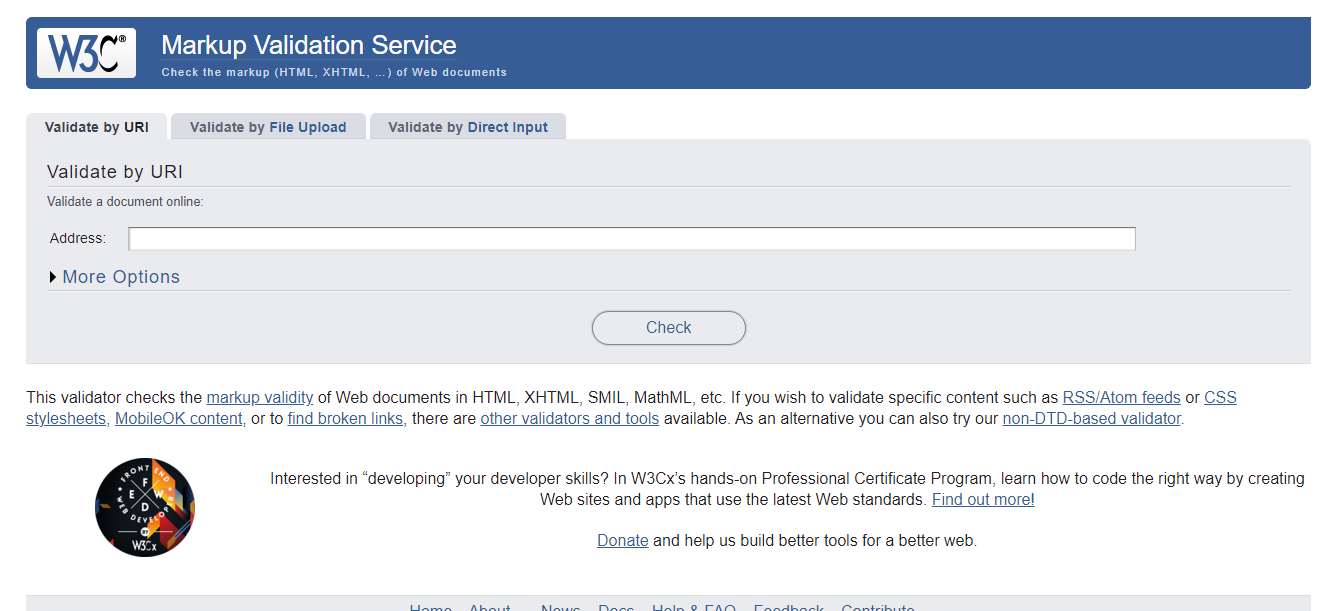
1. W3C HTML Markup
It checks that web pages that contain HTML, XHTML, SMIL, and MathML have valid markup. Use the provided box to enter the page's URL. Press the check button to verify it. It will give you a brief explanation of all the errors and issues found in the web page's source code.
Link: https://validator.w3.org
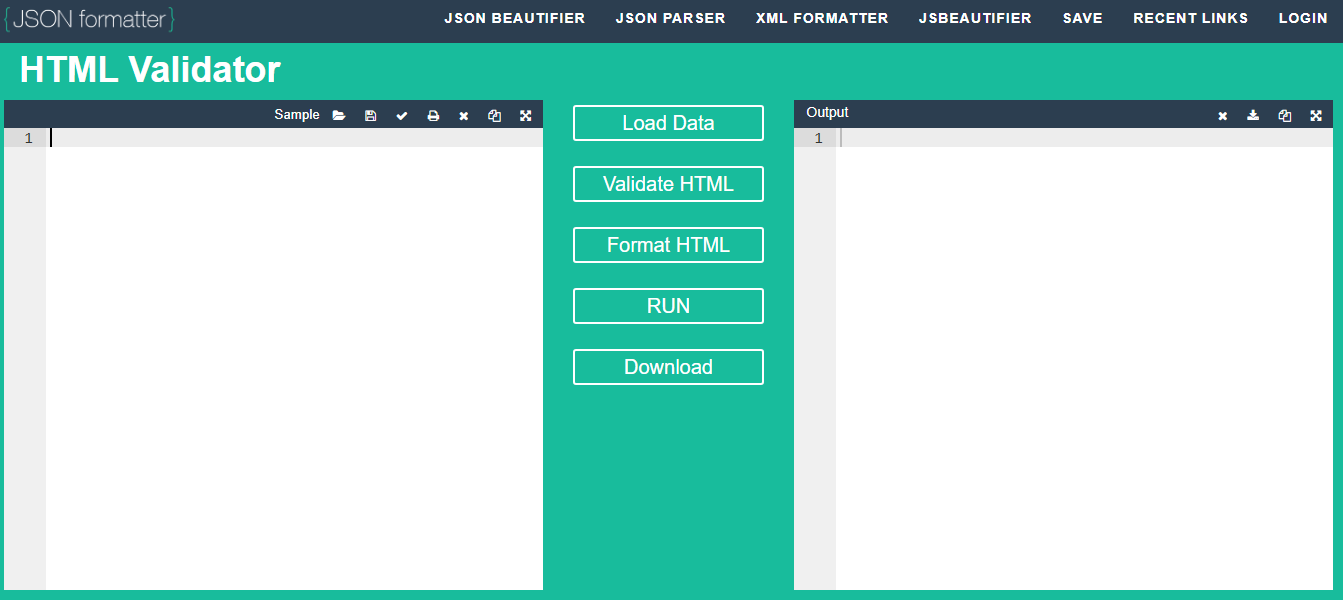
2. JSON Formatter
This HTML validator is compatible with the HTML validator provided by the W3C. Line numbers are displayed to show errors, and they are very easy to correct. It is also known as HTML lint.
Link: https://jsonformatter.org/html-validator
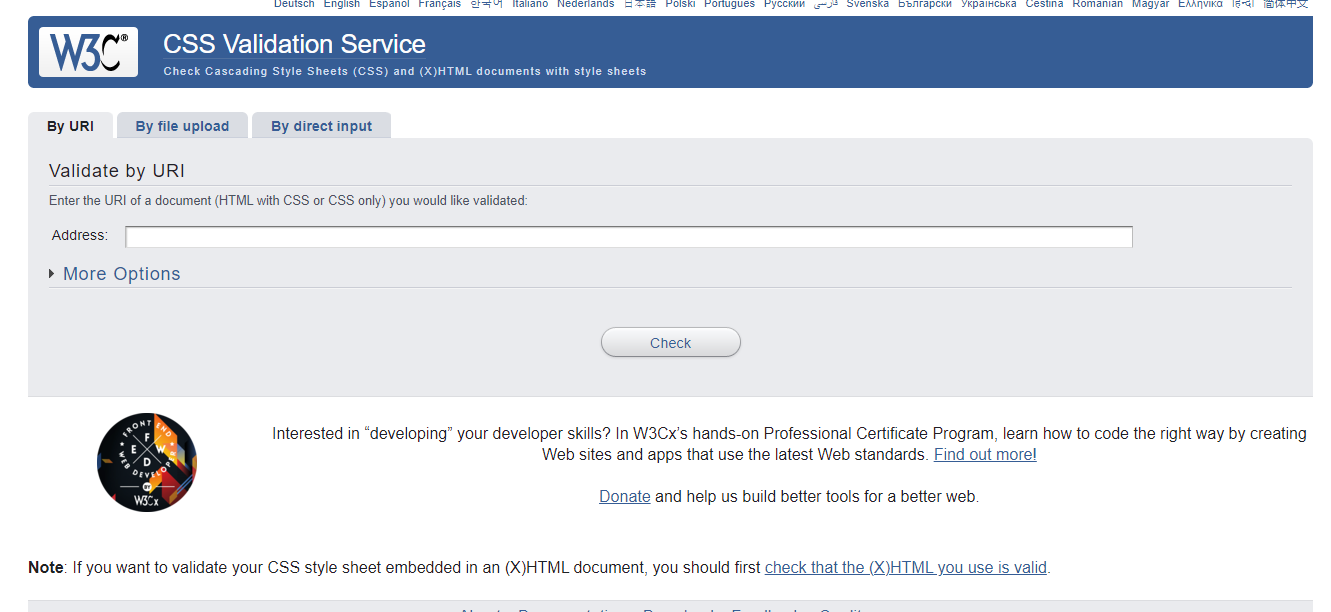
3. W3C CSS Validator
To check the styles on your website, you can use a CSS validator, which is very similar to an HTML validator. You are alerted to any style-related errors or warnings.
Link: https://jigsaw.w3.org/css-validator/
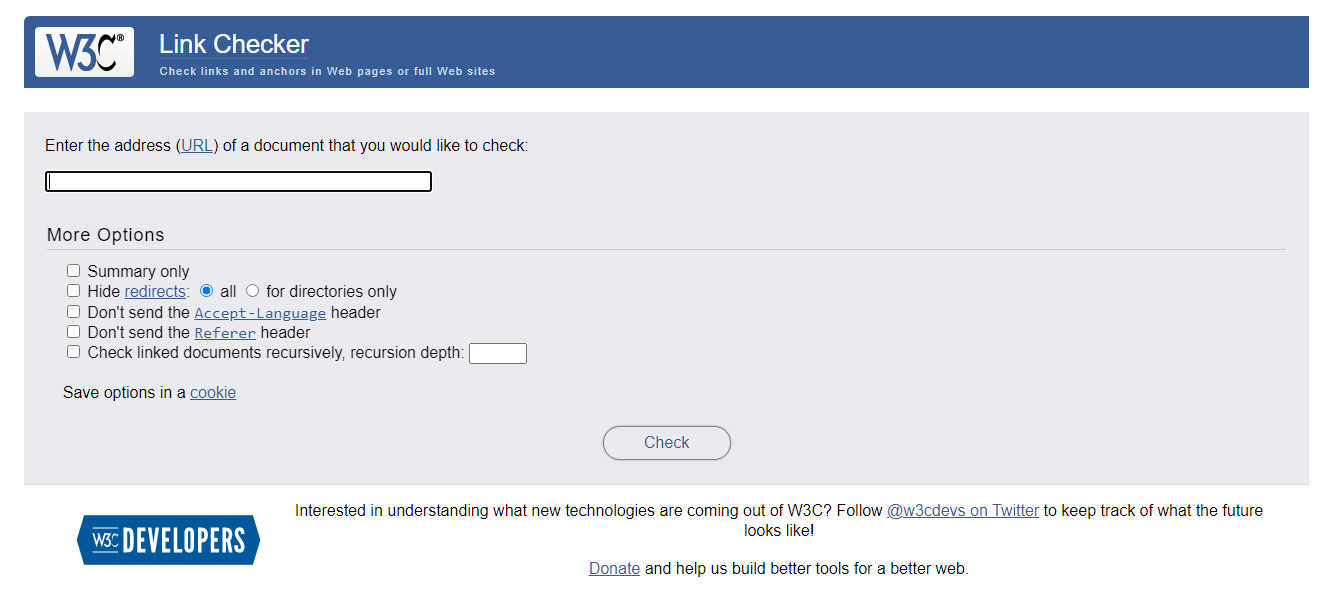
4. W3C Link Checker
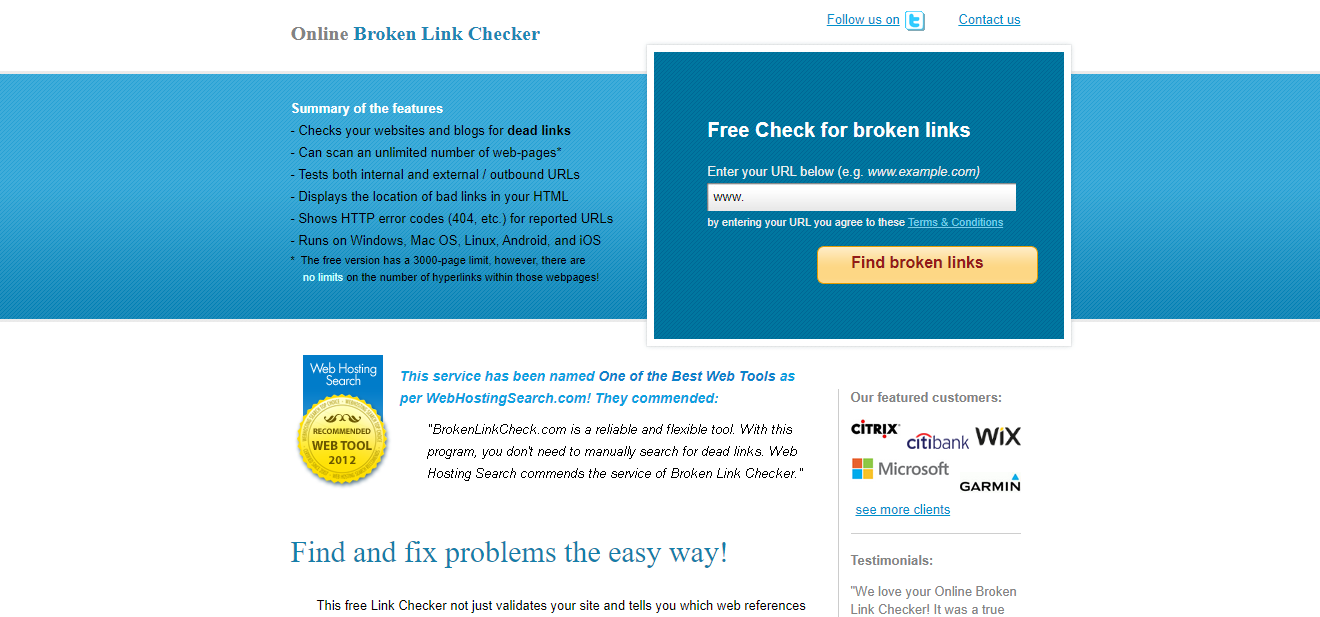
Do you ever come across broken links? I know, we all do sometimes! It feels very frustrating when you click on a link that leads nowhere. In order to avoid this error, we should always double-check the links on our websites, and manually checking the links on a large website with lots of links can be very time-consuming. Here is a tool that allows you to analyze links and anchors on web pages and entire websites with no effort or time.
Link: https://validator.w3.org/checklink
Link: https://brokenlinkcheck.com/
5. Speed Test
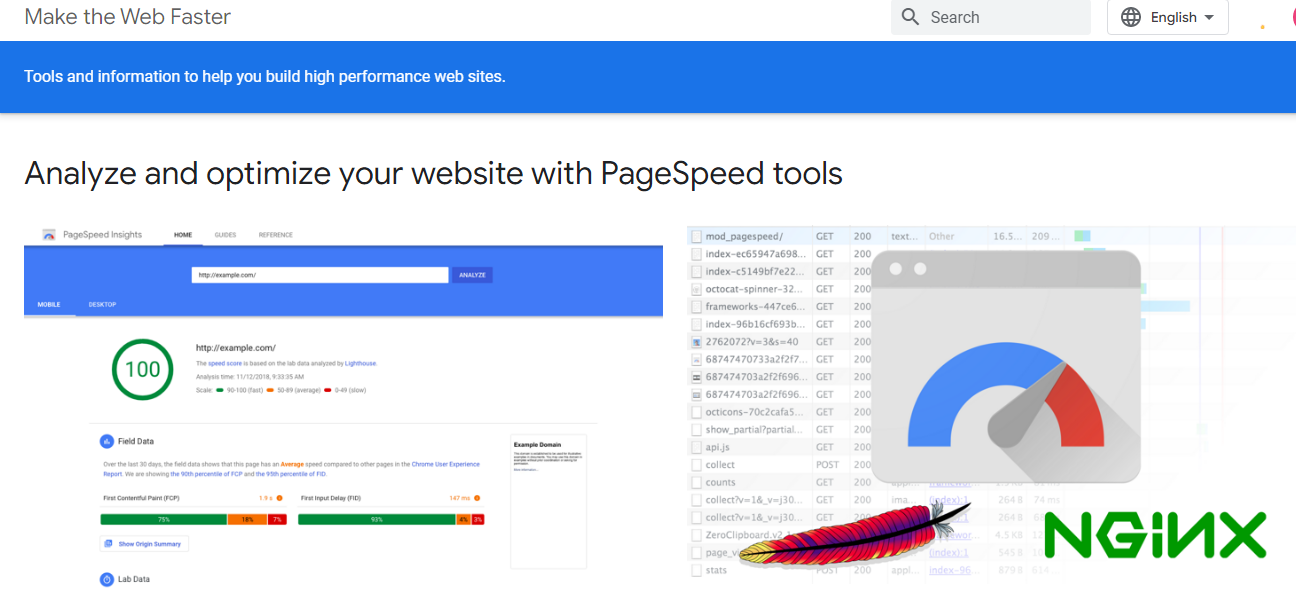
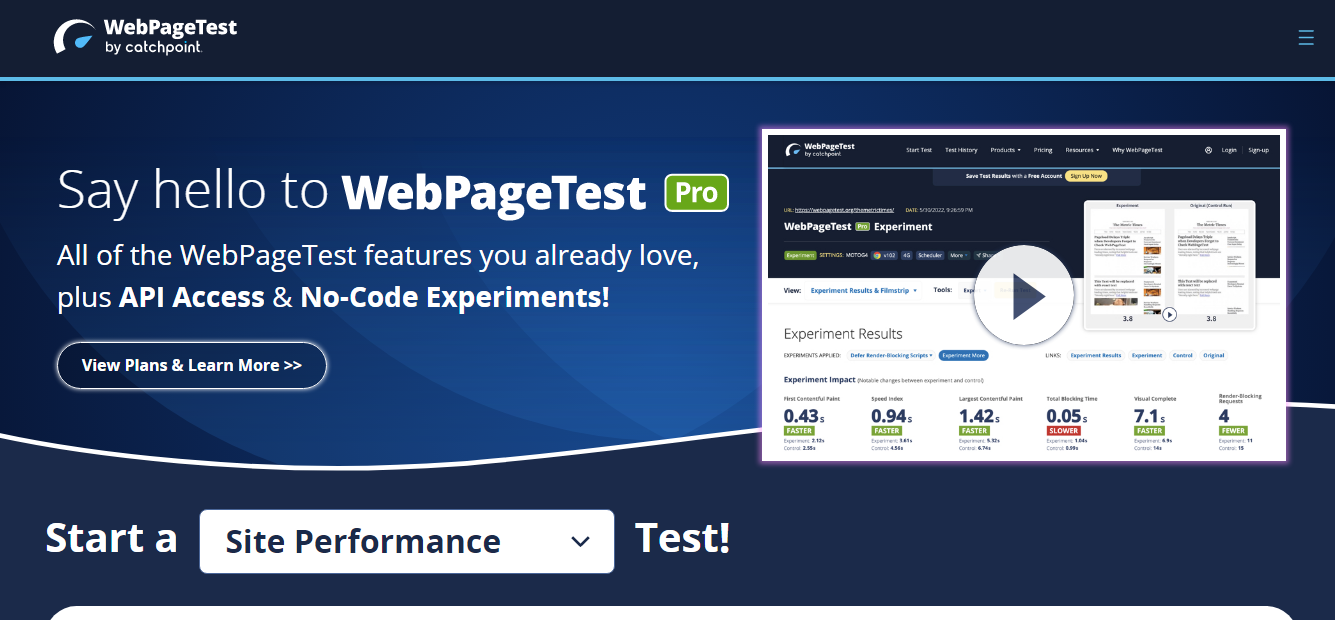
In this busy world, checking the speed of your website is essential. Since visitors expect a website to load within 3 seconds, speed enhances their experience. If your site takes longer to load, you are likely to lose more users. Also, speed improves SEO and conversion rates. If you're wondering how fast your website loads, check out the websites mentioned below. From there, you can test the speed of your website.
Link: https://developers.google.com/speed
Link: https://www.webpagetest.org/
6. Google Mobile-Friendly
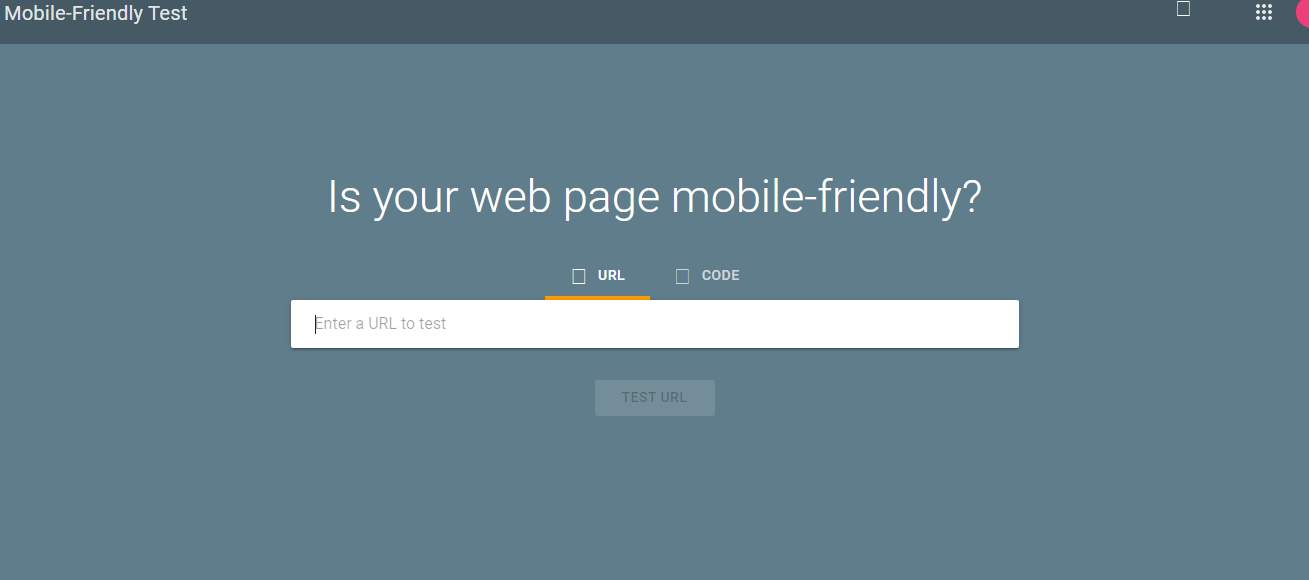
Check to see if your website is responsive on mobile devices. Sites that aren't responsive might turn away the billions of consumers who prefer to browse the internet on their smartphones. 62.06% of all website traffic as of August 2022 came from mobile devices.
Link: https://search.google.com/test/mobile-friendly
Conclusion
Thank you for reading. I hope this was helpful to you. For more articles like this, you can follow me on Hashnode Ishrat as well as on Twitter Ishrat.
Happy learning!


